Showing posts with label apps. Show all posts

Friday, October 31, 2014

Apple Learning Tour- Worth the Time

Recently myself and my two colleagues, Ann Feldmann & Jeanette Carlson, attended an Apple Event focused on curriculum in the classroom.  Our local Apple reps hosted and they did an amazing job.  What was so great about our time there was that we had time to play.  Yes, I said it! “Play”!  We were allowed to explore apps, design small projects, and reflect on our ideas.  We owned our learning with our guide, Barry Sevett, from Apple.  


Even though we are fairly well versed in all things Apple it was a good way to spend the day being the learner and not the trainer.  There are always more things we can learn from each other when given the time.


The Pyramids
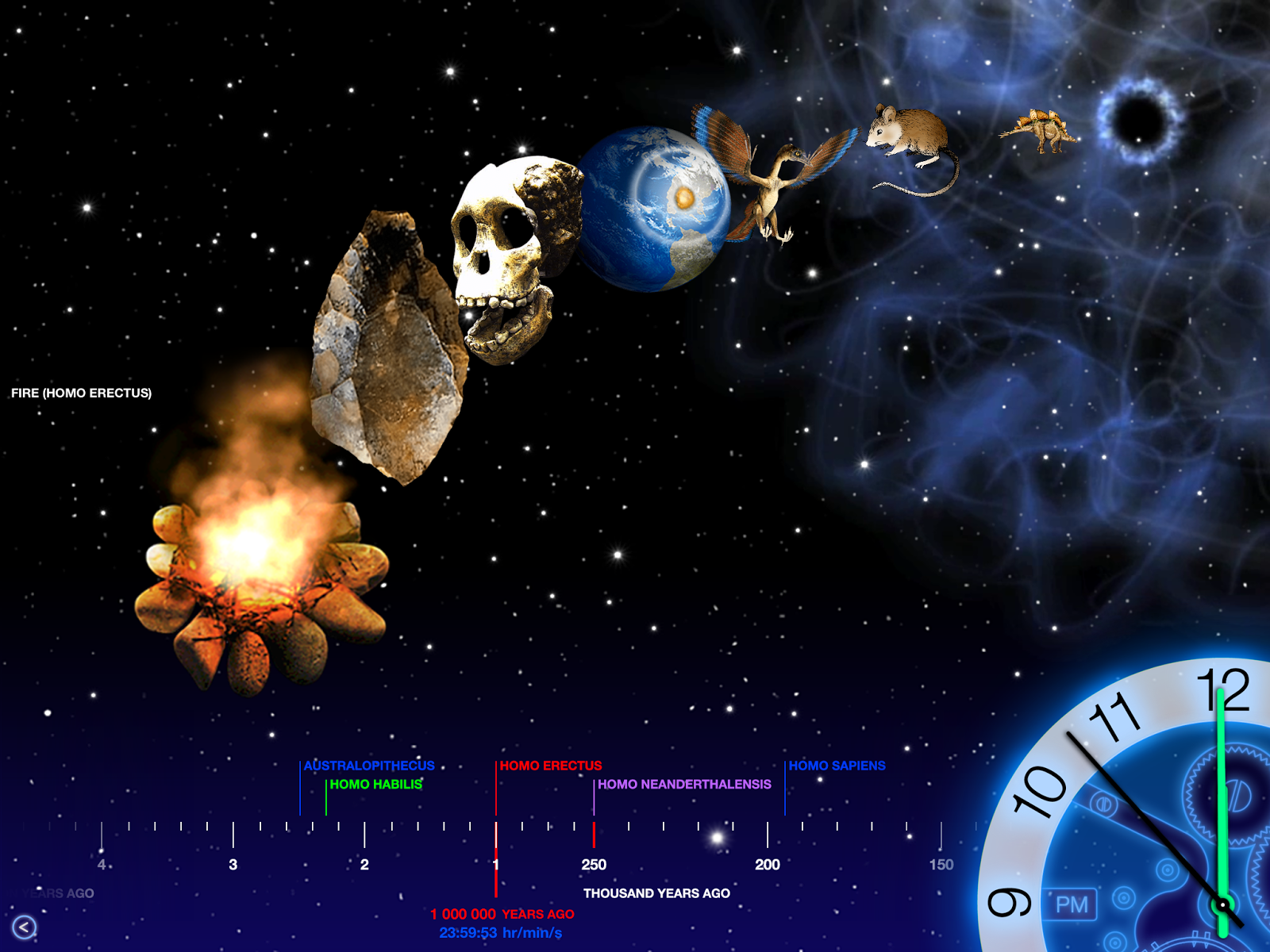
I was reminded of amazing apps, books, and other resources that have strong ties to our curriculum, like the apps Back in Time and Human Body.  These are apps that even though content based could be used in so many classrooms.  I was also reminded of the rich resources in the iBooks Store.  One in particular got me excited.  E.O. Wilson’s Book of Life on Earth is just beautiful and is full of accurate scientific material.  He has now broken his book into 7 different books that are absolutely free!  I already have one teacher trying those out.  We had Romeo and Juliet read aloud to us in a variety of forms.  We checked out Lit2go audio books which are also free.  We went inside the Pyramids in Egypt from an app named The Pyramids.  We watched videos of students creating their own iBooks and publishing them to the NeBooks Project.   We enrolled in an iTunes U Course that we took with us for even more resources.  We participated in a backchannel discussion via our iTunes U course throughout the day.  I appreciated how Apple used solid teaching pedagogy during their own trainings as solid models for educators.   


The Human Body

Back in Time

Sometimes it is human nature to become satiated with a product or an idea.  I fear that some educators and leaders have done this with iPads and are considering other options.  Why, I ask would you go with any other tool than Apple when their wealth of resources for education is so huge you can hardly soak it all up?  The creation piece, individualized learning opportunities, and access to the world cannot be replicated with other devices.  


As trainers and sought after leaders in our field, it was an excellent reminder that what we are doing in our classrooms of iPads is transforming learning for kids.   Change takes time and a commitment to change takes persistence.  


If you’d like more information about the resources we learned more about, please email us, tweet us, or Facebook us.  


Happy Learning and Happy Creating


Written by:  Jennifer Krzystowczyk  

@jennykbps

Thursday, March 20, 2014

Transformation Begins with Mobility

One app transforming our #ipadacademy classrooms is installed on the computer, not the iPad!  Reflector http://www.airsquirrels.com/reflector/ is an inexpensive app for the computer that has huge benefits in redefining the classroom! This software allows teachers and students wireless airplay the iPad on the computer.  Anything on the iPad will be reflected, including the audio! Sound transformational? It is!


The result?  A redefined classroom!

Benefits of using Reflector?

1. Teachers are mobile! Teaching from the front, middle, or back of the room is now possible. A wonderful way to gain a new perspective on the classroom.
2. Students easily hop on and off reflector to informally share creations and receive feedback.  Have more than one student reflect at once to amplify the sharing.  This is a great way to add engagement to the classroom.

Click here for a handout on Reflector tips and tricks.  


Written by Ann Feldmann
@annfeldmann1


Friday, December 27, 2013

New Year = New You! Fill Your Own Bucket with Goodness!

I’ve been reading a lot of posts lately about New Year’s Resolutions and have in fact written  my own.  Today, however I’d like to take a slightly different approach.  Resolutions are all about bettering yourself, stretching your goals, and trying something new, right?  Well, how about just tending to yourself to be a better, well rounded individual.  Teachers are notorious for neglecting their own needs day in and day out for the sake of their students.  But just as parents are ineffective if they haven’t nourished themselves, I argue that our students benefit from our healthy choices just as much as we do.  So when considering your New Year resolutions, do not forget about the activities that can truly nourish your soul, mind, and body.  Try some of these activities in the near future and see if you don’t feel more like a human and less like a robot going through the daily grind.

Be inspired by other.  Whether you act on your inspirations is really inconsequential.  It is always about the journey and experience.  So whether it is walking through a beautiful store, art gallery, or listening to other people’s stories, be open to inspirations that might touch your heart or spur you to action.  One of the best places online to be inspired by others is Pinterest!  If you do not have your own Pinterest account- get one!  It is simple and is a great place to repin other’s people work that inspires you.  

Read a really good book!  Put away your edu-speak literature and read something decadent, historical, or whatever interests you!  I always use iBooks to download samples of books before purchasing the book.  It is like walking up and down the aisle of Barnes and Noble, but without the crowds!  I search in iBooks by New York Times and Best Sellers.  Can’t pull yourself into a book without a purpose?  Check the the list on Goodreads.com for award winning literature.  

Beat the wintertime blues by getting at least 20 minutes of exercise a day.  Make it a priority to be active outside, even if it is cloudy and snowing!  Ice skating, walking, and sledding are fun activities for anyone this time of year!  My favorite app to use when tracking physical activity is Map My Run!  I use the app on my iPhone and it syncs up to my account online.  At the end of each month I can impress myself on all the miles I have tracked!  Exercise keeps you happy and healthy! Everyone benefits from your workouts!

Do one really thing nice for yourself!  Not one to get a massage, pedicure, or purchase something for pure luxury?  Now is the time for that pick me up!  I love Google Offers, Pinpoint app, and Groupon.  My Google Offers come straight to my email and I can choose to purchase the offer or not and pay with my phone!  Pinpoint offers great discounts at local merchants and restaurants, and who doesn’t love a great Groupon Offer?!  I never pay full price for most of my more decadent purchases. Need some retail therapy?  Try retailmenot.com for great discounts at hundreds of stores!

Cook something rich and yummy.  Yes, I know we’ve all over-eaten over the Holidays, but that doesn’t mean starvation is the key to happiness.  Instead try your hand at a new recipe that doubles as comfort food.  Your family will love you for it!  My favorite cooking app is Allrecipes.  I can search by ingredient, course, or ease of creating.  Allrecipes uses a “dinner spinner” to create a meal in an instant!  I probably use this app every week to plan out the week’s menu.  I have great success with this app and you will too!  

Makeover 1 area of your house.  Whether it is a closet, a corner, a bathroom, or a kids room, January is a great time to do a small makeover and freshen up that space that has been nagging at you!  Aside from the obvious inspirational site Pinterest, I love the app Houzz.  It has millions of pictures of beautiful spaces.  You can search by room or style.  You can also receive emails of updated images and curate your favorite ideas if you create a free account.  January is also the best times to purchase new linens on sale everywhere!  

I hope this post finds you well and relaxed over the holidays!  Remember, you are important as a teacher, but more importantly as a well-rounded person.  Don’t forget about you, so you can give back to others.  Fill up your own bucket with goodness this January!  Happy New Year!

Written by: Jennifer Krzystowczyk
@jennykbps
#tt4t


Wednesday, March 13, 2013

Tactilize App - The Nitty Gritty

I’ve been tweeting out great things recently about using the app Tactilize.  It’s such a great app because the students can put interactive content all on one card.  The cards look like they cost an ad agency thousands to put together, but anyone can have great looking, informative cards in a few minutes on one topic.  Furthermore, viewers can like your card so the experience becomes social for students.  

Over at Bellevue West High School, Mrs. Carlson had her students create a card on a company which they have been studying.  She called them recruiting cards.  Students researched a company and then made a Tactilize card on why it is a great company to work for.  This process took about a week including all the research and uploading videos, and editing their cards.  

We ran into two obstacles during our project.  Once the students “published” their cards they could not go back and edit it within the app.  (Tactilize founder did reply via Twitter that the update coming soon will allow for in-app editing.) They could, however, edit it online at www.tactilize.com after logging in to their account.  The second issue was that for our students, YouTube is blocked.  In tactilize, you can insert a link to a video.  That video must come from YouTube, Vimeo, or Dailymotion.  So we uploaded their iMovies to Vimeo.  From there we were able to grab the link and put it in their card.  Text, images, frames, and background colors and images were also be added to their cards.  

Once we got over these hurdles and the students felt good about their cards, it was time to share.  Mrs. Carlson decided to do a gallery walk in the cafeteria.  Groups placed their ipads around the cafeteria and the class rotated to the tables, listened and watched their cards, and then provided feedback via a Google spreadsheet.  There were two columns in the spreadsheet.  One was titled Could be better if, and the other was what worked well.  I watched as these kids becomes responsible for getting to each card and provided critical feedback to each other on their iPads.  

One student exalted after the session, “Hey Mrs. Carlson, that was really fun!  We enjoyed that.”  Another exclaimed, “This is such a great way to share and learn!”.  I couldn’t have agreed more.  It was exciting to see students fully engaged, using critical thinking, and being responsible for their learning.  

What worked well?  Just about everything!  Could have been better if?  Can’t think of a thing!  

Students' Tactilize Card on the Company HubSpot

Written by:  Jennifer Krzystowczyk
@jennykbps

Monday, December 10, 2012

Building a Digital Library for Your Students

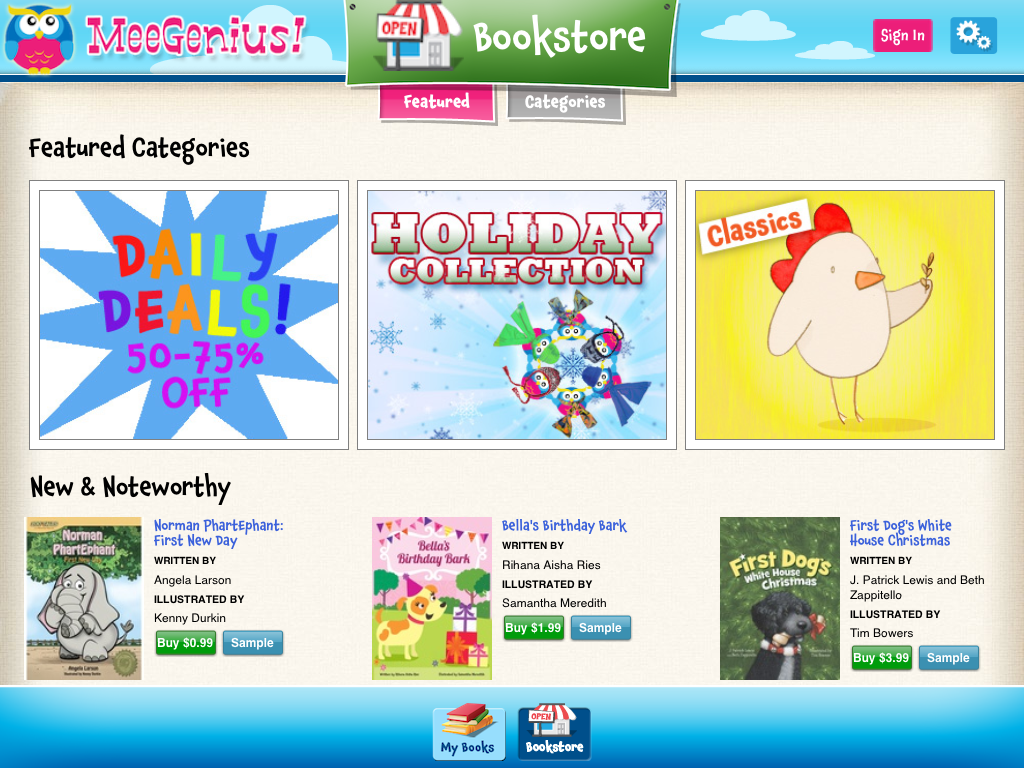
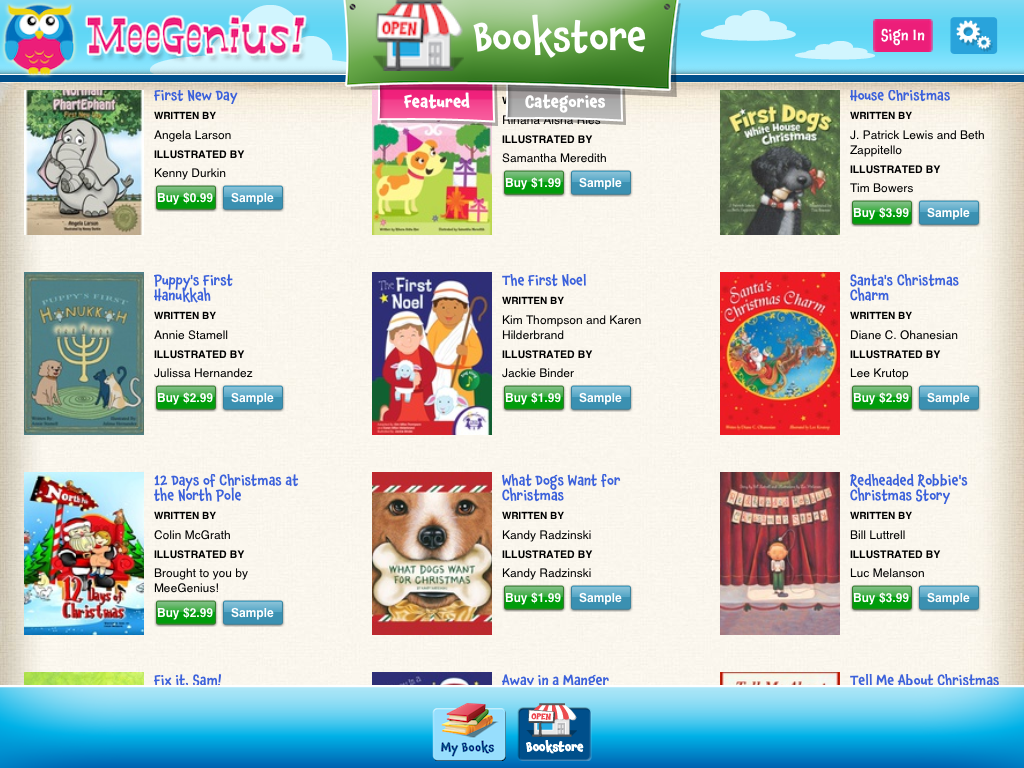
Are you a relatively new elementary teacher with iPads in your room?  Do you have a small library of books for your students to read?  Maybe it is time to start building your digital library instead of buying paperback books that will eventually end with the inevitable masking tape down the side to hold it together in a couple of years.  I came across an amazing little app that I think would be a great way to start building your digital library.  It is called Meegenius and the app itself is free.  It is a bookstore app, but so much better than just ibooks or kindle books.  The books you purchase can be read aloud to your students and the words are highlighted as its being read.  The selection of books is of high quality as well.  


The book Princess Justina Albertina, a Cautionary Tale can be purchased for $1.99 instead of $4.99 at Barnes and Noble.  And this book can be read aloud to the child.  If your ipads are all being managed with the same Apple ID you can purchase the book once and put it on all of your devices.  Or how about Redhead Robbie’s Christmas Story by, Bill Luttrell for a mere $3.99 instead of $16.95 at B&N!  That is a huge difference.  


If your student's parents ask what you want for Christmas, tell them iTunes gift cards and get yourself some great digital books to start your digital collection!  Just think how much space you will have left on your bookshelves for crayons, rules, projects, and wet wipes!

Written By,
Jennifer Krzystowczyk
@jennykbps
Thursday, October 4, 2012

APPYTIME - Paperless Storytelling via Stop Action Movies and


iKids are children born into a world with iDevices. They integrate iPads / iPods into their play, love to be creative, use their imaginations, and publish their work.

Creativity, play,  and story telling come together in stop action movies.  These are movies where figures are moved little by little to tell a story.  Stop action movies are easy for iKids to film and publish with these apps:  Stop Motion Studio and Lego Superhero Movie Maker.

1. Stop Motion Studio
Strengths:  Easily add music, narration, and upload to YouTube. Cost =  $.99


2.  Lego Superhero Movie Maker 


Strengths: Ease of use, keeps a "shadow" of the previous frame, uploads easily to YouTube.
Cost = FREE


Check out an interview with an iKid, Matthew.

-Ann Feldmann